


pmfor_logo

Coda.io – my favorite tool

A platform for building dynamic documents that combine text, data, and automations in one flexible workspace.

Coda.io - Introduction

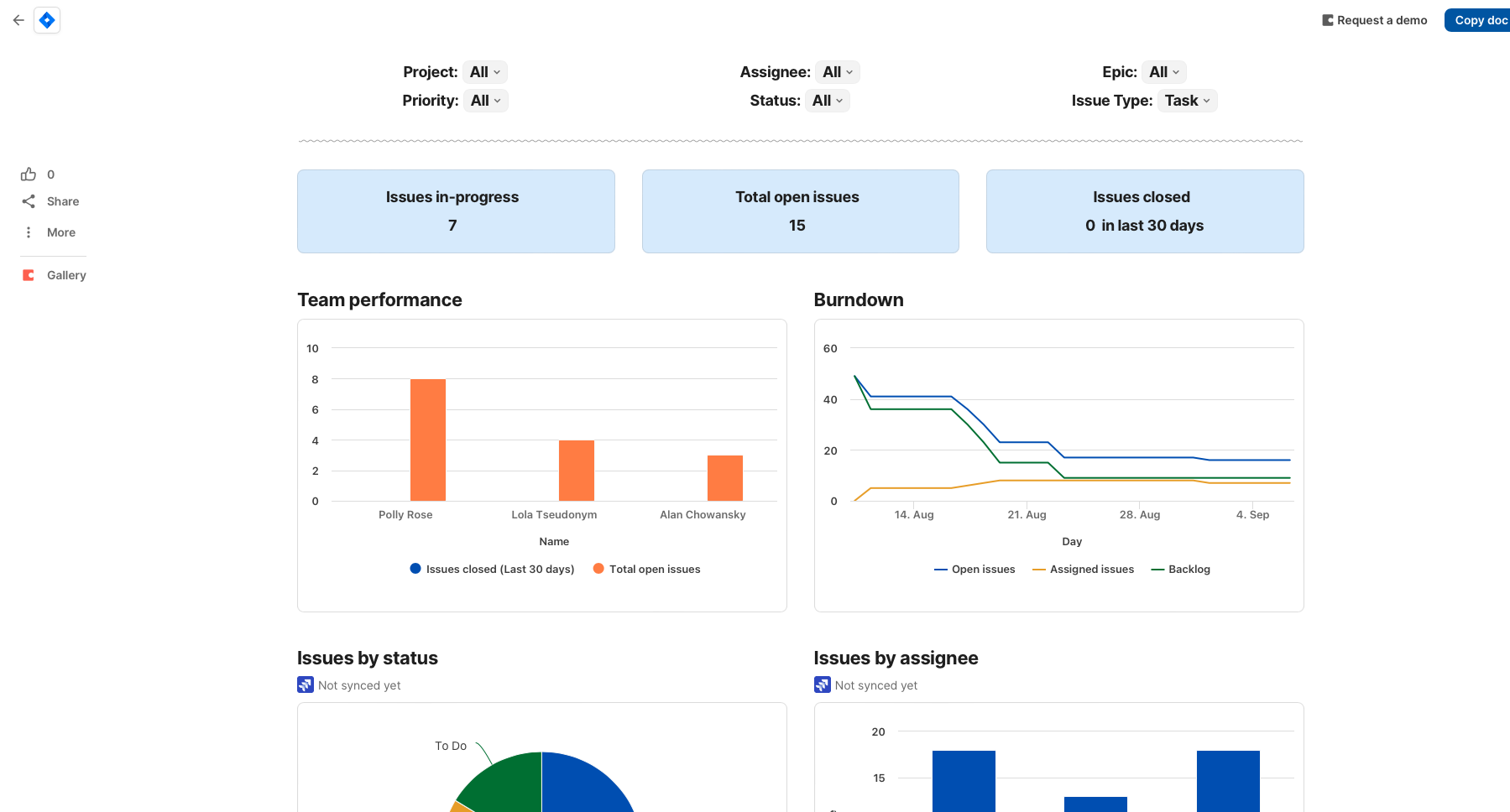
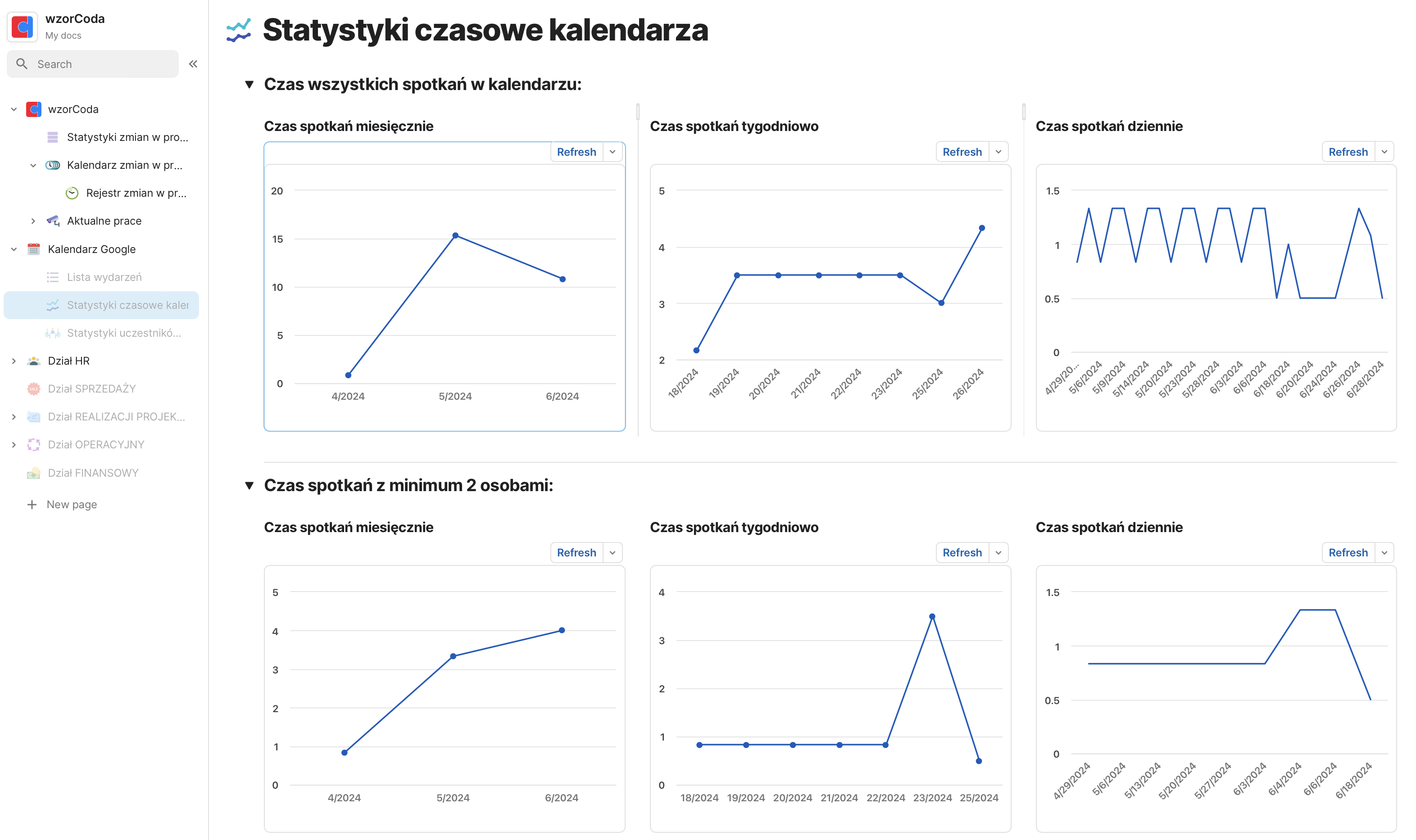
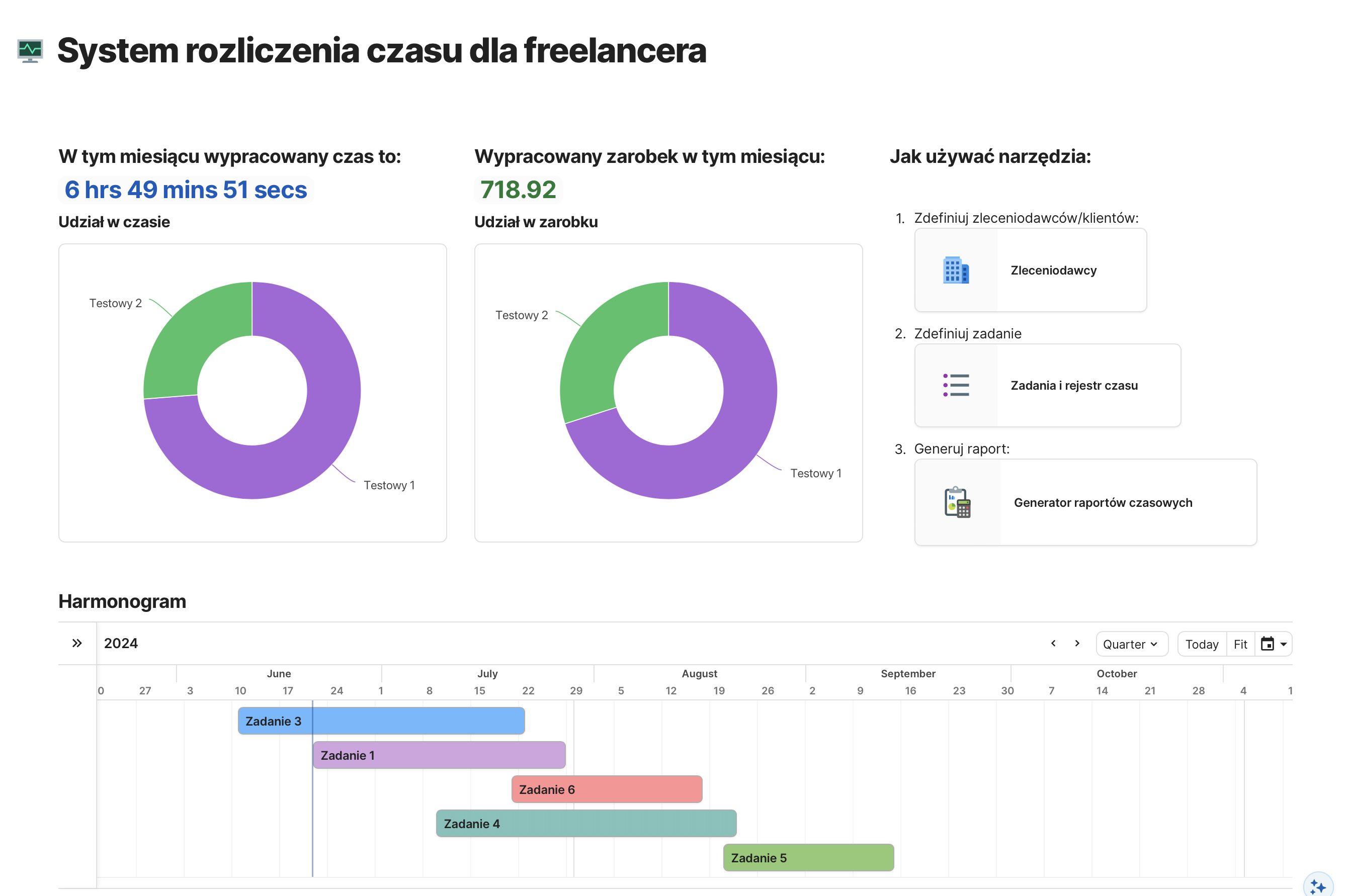
Coda.io is an online platform that brings together the flexibility of documents with the power of databases, automation, and advanced reporting tools. It allows you to build interactive KPI panels, dashboards, and data analysis systems that help you monitor key metrics in real time.

With Coda.io, you can replace traditional spreadsheets and office tools with one smart solution that supports project management, planning, task tracking, and team collaboration — all in a single, integrated environment.

CODA.IO - Background

Coda.io was founded in 2014 by Shishir Mehrotra and Alex DeNeui with the goal of creating a modern tool that combines the functionality of documents, spreadsheets, and apps into one flexible workspace. Officially launched in 2019, it quickly gained popularity for its ability to build interactive KPI dashboards, project management systems, and process automations.

In December 2024, Coda announced a merger with Grammarly, the leading AI writing assistant, aiming to combine the flexibility of docs with intelligent language support and automation — redefining productivity standards in the age of AI.

CODA.IO - Key Features

Creating Dynamic Documents

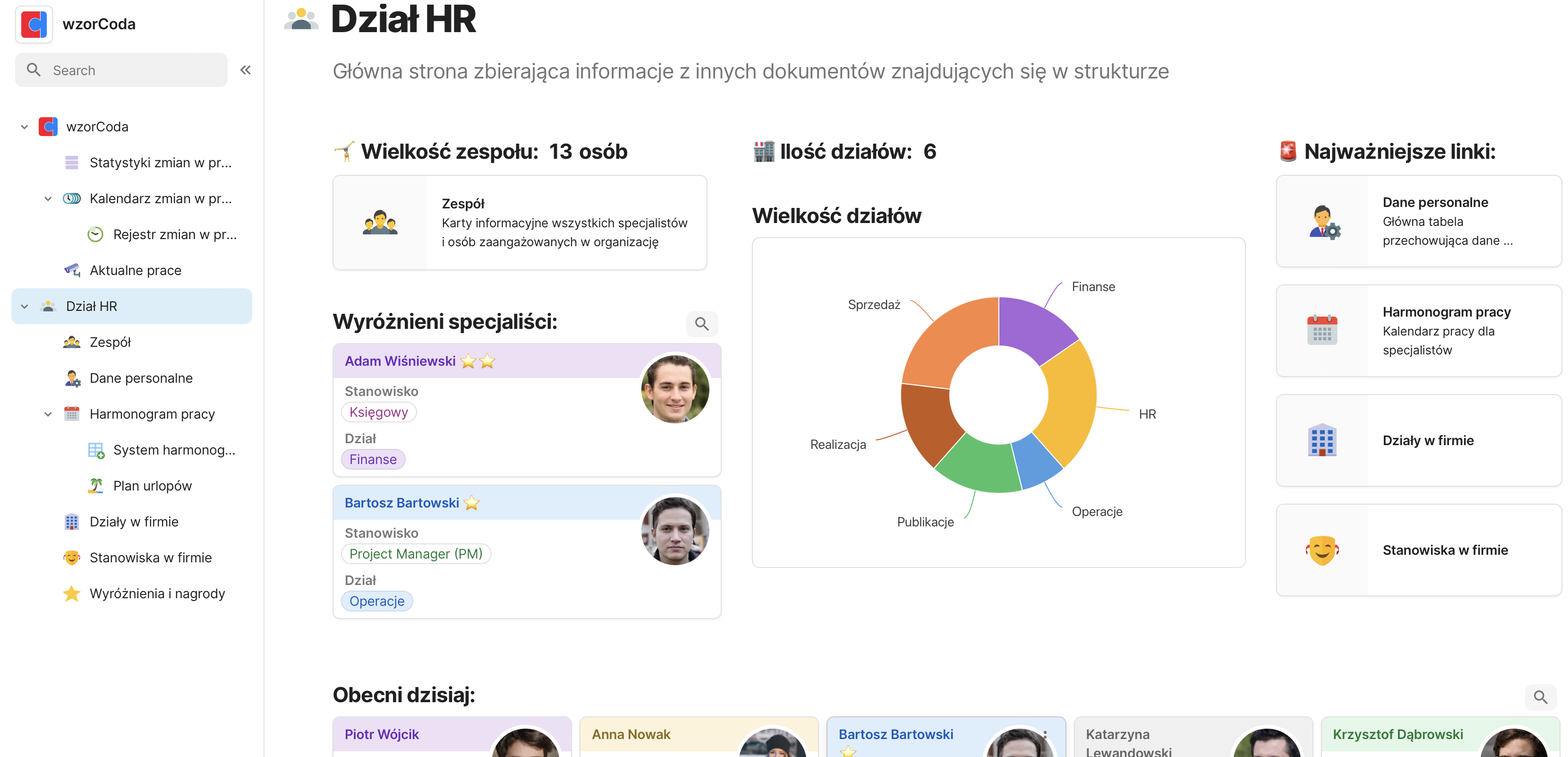
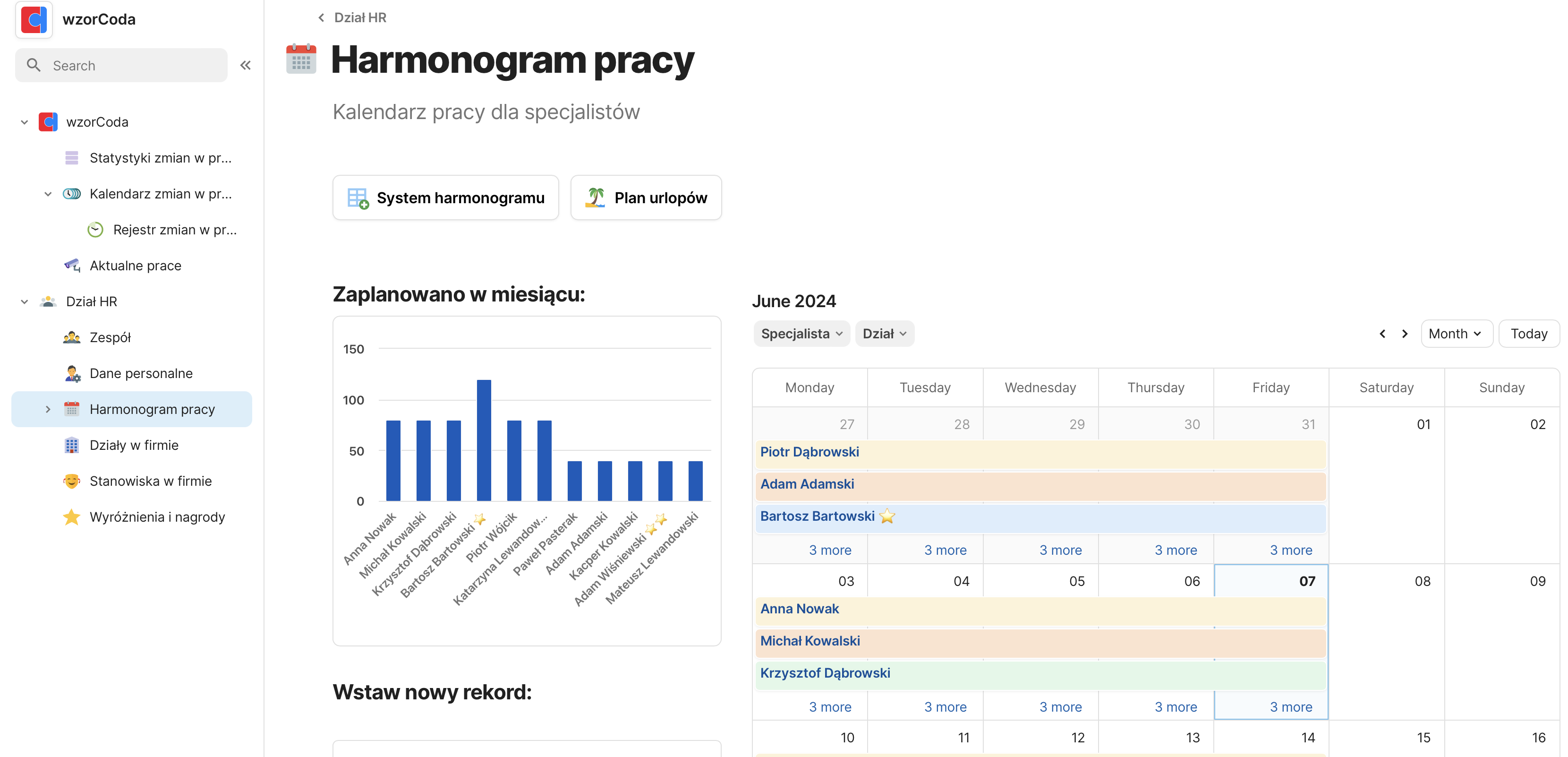
Coda.io lets you build documents that go far beyond a standard text editor. You can embed tables, buttons, charts, dropdowns, and forms—all in one place and fully interconnected. This turns your document into an interactive workspace, not just a collection of static text.

You’re in control of how your document looks and functions—from a simple note-taking tool to a fully featured app.

Team Collaboration

In Coda.io, a document is a real-time collaboration space. Every team member can comment, edit, and share ideas—without switching between multiple tools. Features like @mentions, tasks, reactions, and in-document messages keep all communication in context.

This makes teamwork faster, clearer, and free from endless email threads.

Access Management

Coda.io gives you precise control over who can access your documents and specific sections. You can assign roles (editor, commenter, read-only), restrict access to selected pages or sections, and manage permissions at the organization or individual user level.

You have full control over who can view, edit, or comment on your content—without worrying about accidental changes.

Connecting Docs and Automating Workflows

With APIs and powerful formulas, Coda.io lets you integrate with external tools like Slack, Jira, and Gmail, as well as link data between documents. Automations allow you to trigger actions based on conditions and events—from sending notifications to updating data in the background.

This means your documents can “work on their own,” saving you time and reducing manual effort.

Version History

Coda.io’s built-in version history lets you track every change made in a document—from content edits to structural updates. You can restore previous versions, see who made changes and when, and monitor your team’s progress over time.

Nothing slips through the cracks, and any mistake can be easily undone.

CODA.IO - Key Terms

Tables and Relationships

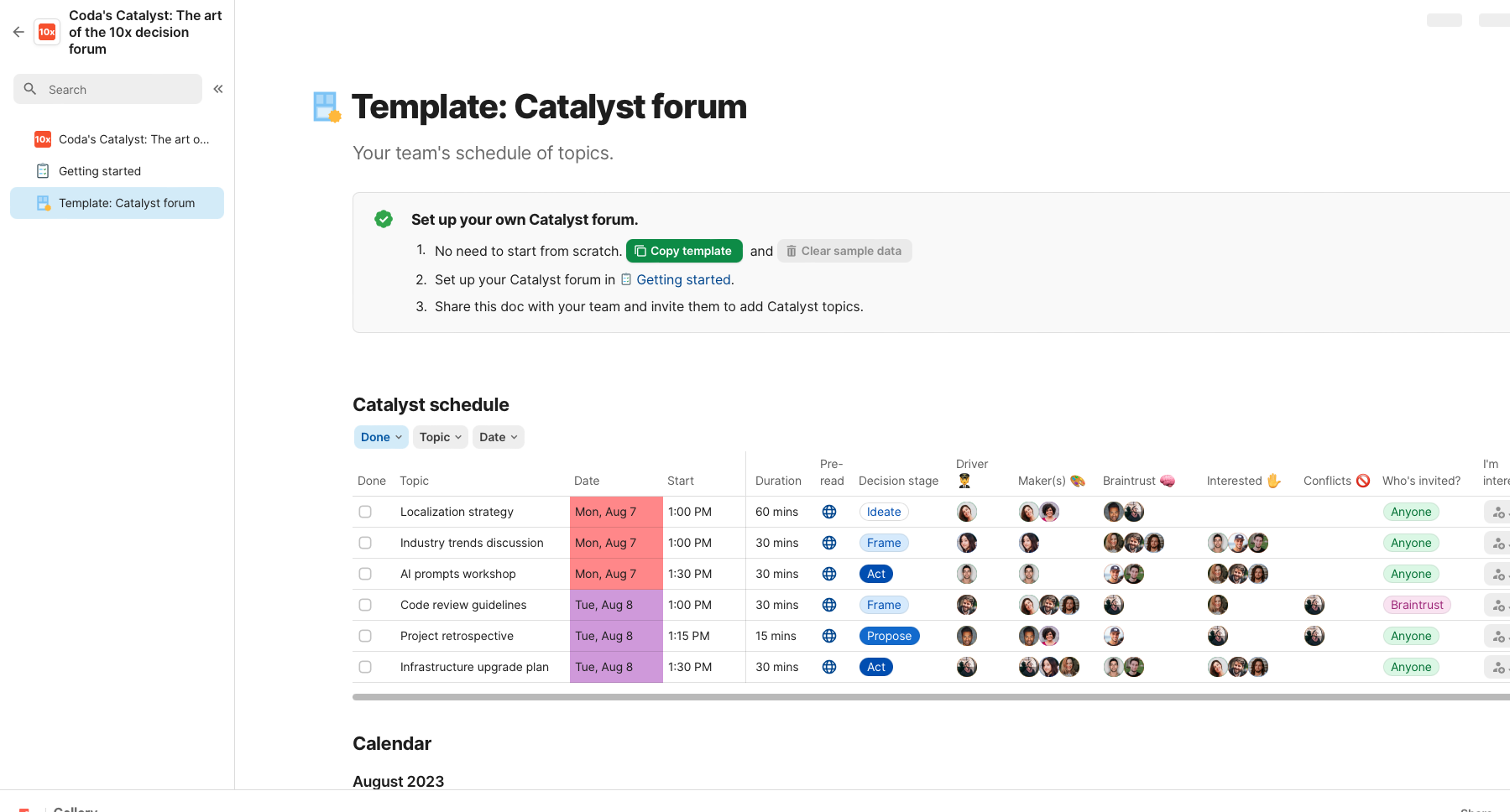
In Coda.io, tables are more than just spreadsheets—they’re live databases inside your document. You can create relationships between tables, so data in one place automatically connects to data elsewhere. This lets you build database-like structures without needing to understand complex systems.

It helps you avoid duplicate information and keeps everything organized, even in the most complex projects.

Formulas and Automations

Formulas in Coda.io don’t just work inside tables—they work across the entire document. They enable dynamic calculations, filtering, and data linking from different sources, all in one place. You can create dependencies between data points and use automations to handle repetitive tasks like sending notifications or updating statuses.

It’s a simple way to let your doc take care of what matters and remind you when action is needed.

Buttons and Interactivity

Coda.io lets you add buttons to your documents that trigger specific actions—from adding new rows to sending emails. Each button can be customized to perform different tasks based on the context and your needs. This makes your documents interactive and responsive to user actions.

It’s like adding app-like functionality to a regular text document.

Data Views

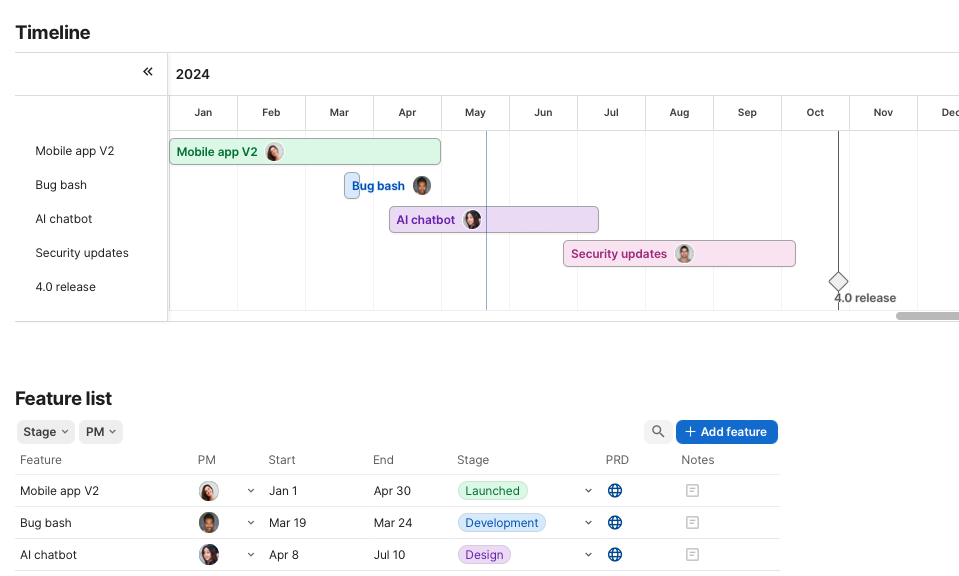
In Coda.io, you can display a single table in multiple ways—like a classic table, list, calendar, kanban board, or gallery. Each view is powered by the same data, so updates in one place are reflected everywhere. You can customize each view by filtering, sorting, and hiding information that’s not relevant.

This helps you focus only on the data that matters most in any given moment.

CODA.IO - Getting Started

Signing Up for Coda.io

Create a free account and start working in Coda.io.
Getting started with Coda takes just a few clicks. Visit the official website, sign up using your email or Google account, and gain access to a tool that will help you organize your work more effectively.

The registration process is fast and intuitive—it only takes a moment to start working on your first doc.

CREATE AN ACCOUNT

Learn the Basics

Start with the key features and concepts.
You don’t need to learn everything at once. We’ve prepared a simple checklist of essential features to help you get started.

It’s a quick guide that will give you a clear understanding of how Coda works—and how you can start using it in just a few minutes.

CHECK (PL)

Need Support?

I’d be happy to help you take your doc further.
If, after getting started, you feel your documents could work even better—don’t hesitate to reach out. No strings attached—I’m happy to share ideas on how to unlock Coda’s potential for your project.

Together, we’ll find solutions tailored to your needs and the way you work.

Curious to learn more? Check out what we’ve written about Coda.io here:

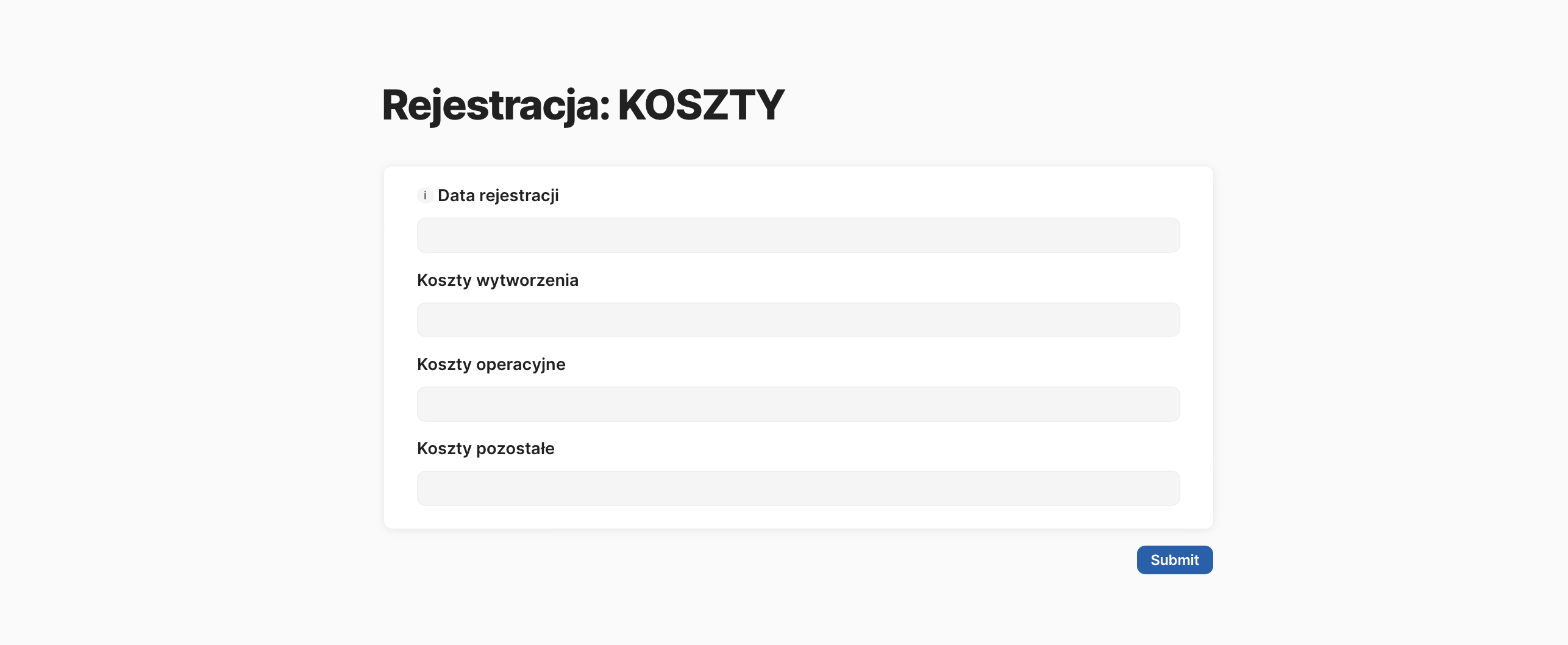
Automatically inserting data from a form into a table is a game-changer that can revolutionize how you collect financial data in your company. In this post, I'll show you how to generate a form link that automatically populates your table, eliminating the need for manual data entry.
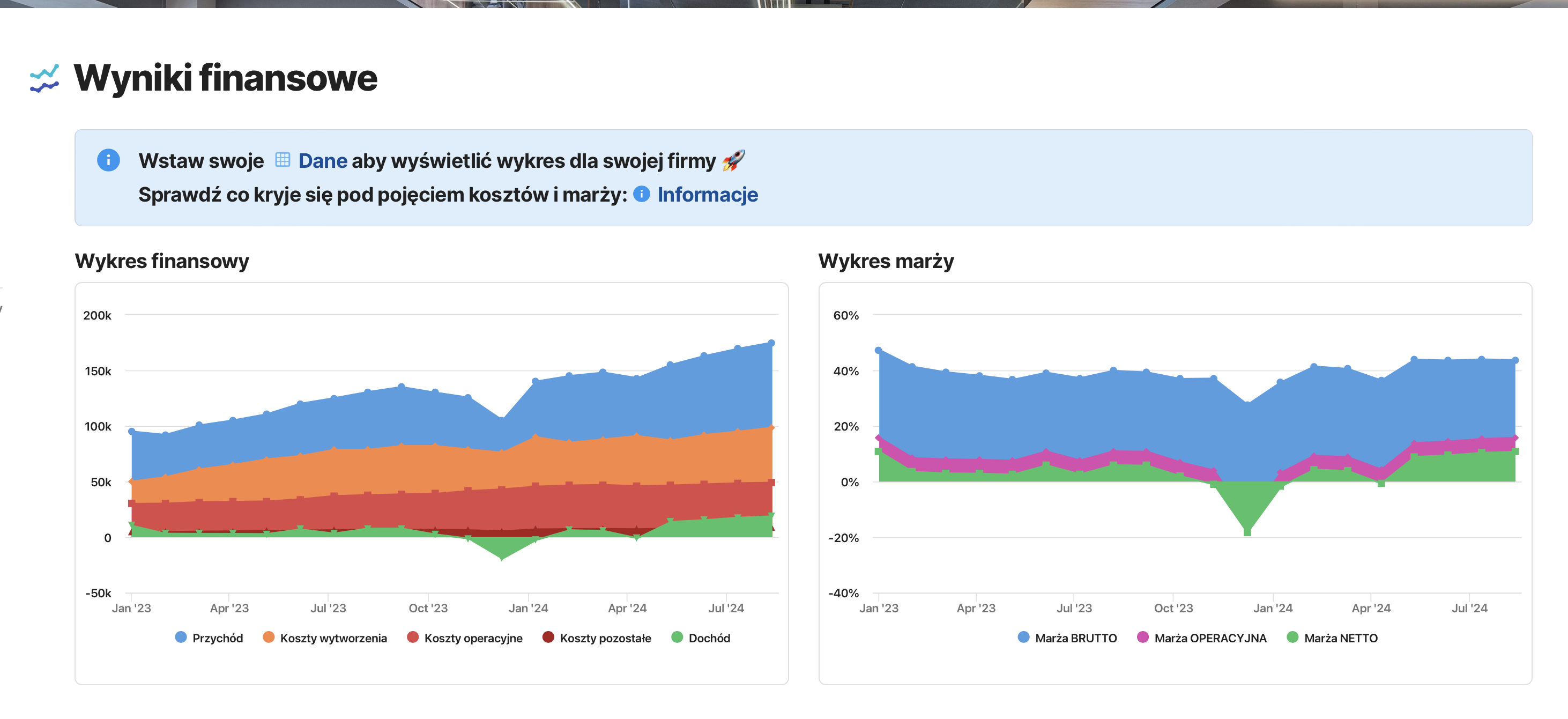
A dashboard for basic financial data analysis is essential for monitoring a company's health. In this post, I'll guide you through setting up a simple view in Coda.io to analyze key metrics like revenue, operational costs, and margins. This dashboard will serve as a foundation for more advanced financial analysis in the future.
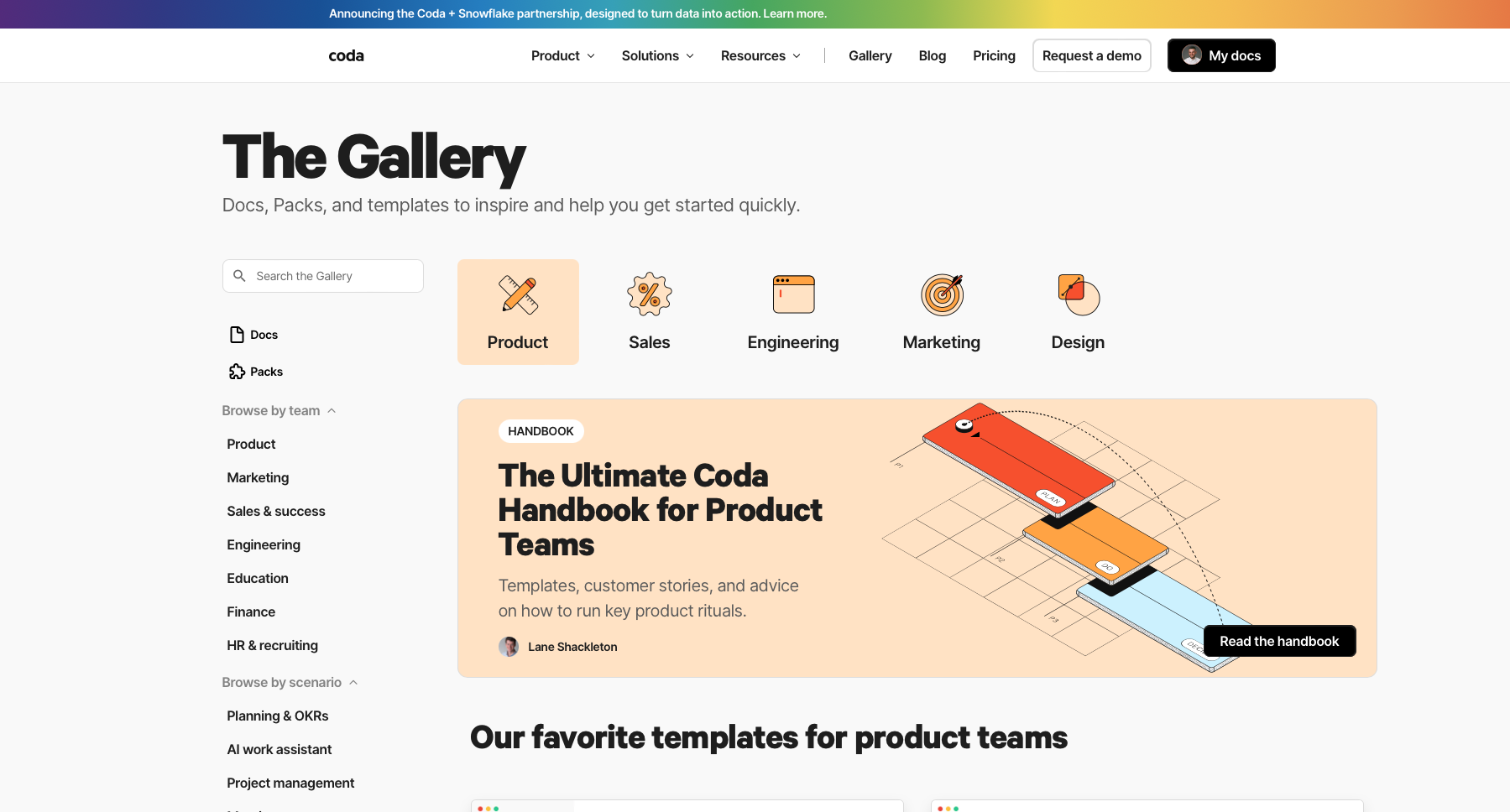
Discover Coda.io – a multifunctional tool where you can organize your team's work and then automate it.