

Automatic Data Entry from Form to Table
Introduction
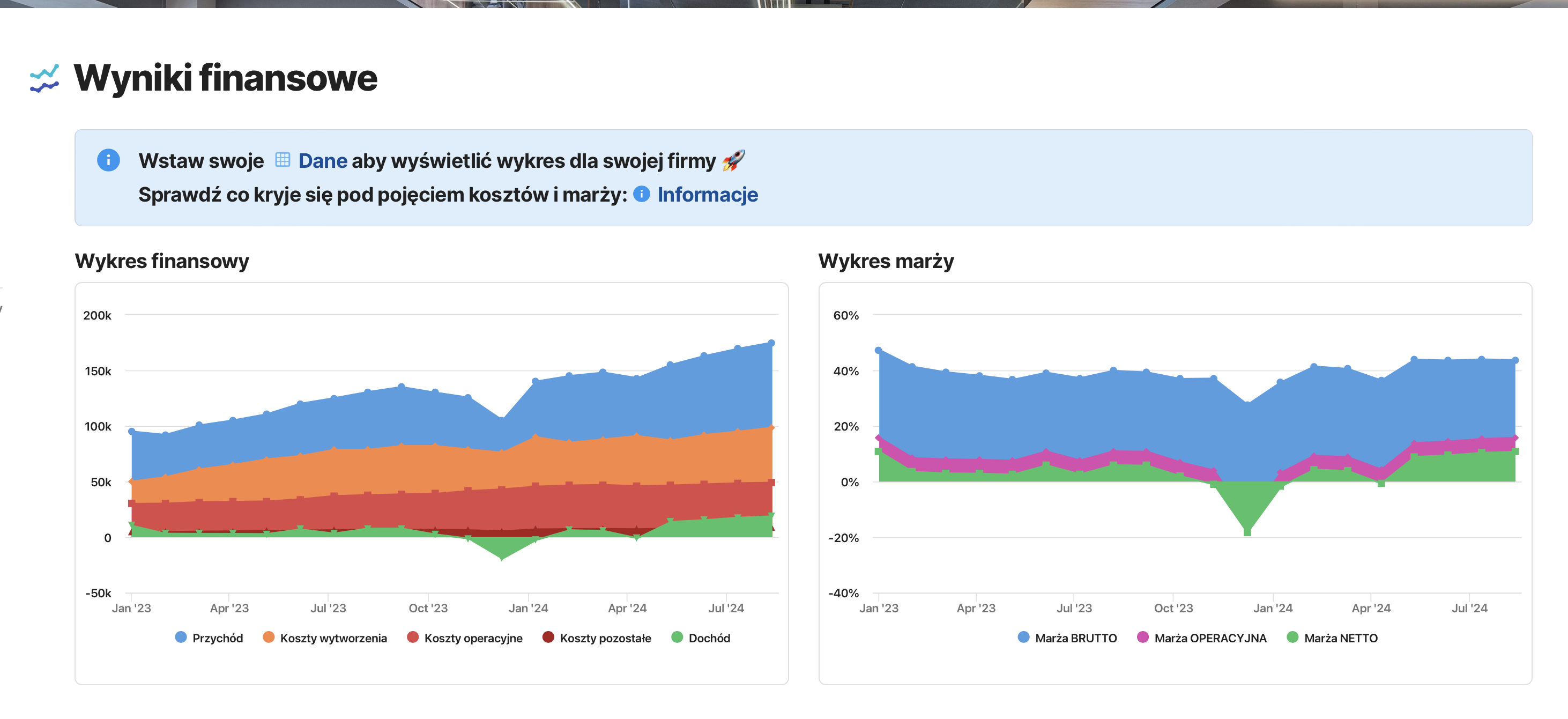
In the previous post, I created a basic dashboard for analyzing a company’s financial results, which allowed the examination of trends such as:
- revenue,
- costs (production, operational, other),
- income,
- margins (gross, operational, net).
The first version of the dashboard was based on the main table available in the “financial data” document. In this article, I will introduce a modification that will allow the generation of an external link, enabling data to be entered directly into my table—permanently.
Why make this modification?
The ability to influence our documents “from the outside” is a functionality that revolutionizes the task of collecting reports and feedback from our collaborators or clients. Of course, we maintain FULL control over who can input data into our documents—while at the same time preventing access to data collected from others.
Execution
Creating a New Table: Detailed Financial Data
The new table will store records with the date of revenue and cost entries for a given month. For the purpose of this post, let’s imagine a scenario where a company has two separate individuals responsible for recording revenue and company expenses. We want to have records of every added cost and revenue in the company. In future posts, I will show how to automate the retrieval of invoice information into the system in Coda.io and what data to store regarding invoices—today, our two specialists will each receive separate forms to input the amounts as they arise.
Creating an Alternative View of the New Table
The new table stores the same data as its original version: Date and amounts of revenue and costs.
From the created table, we generate 3 additional views, resulting in a total of 4 views:
- Revenue table,
- Cost table,
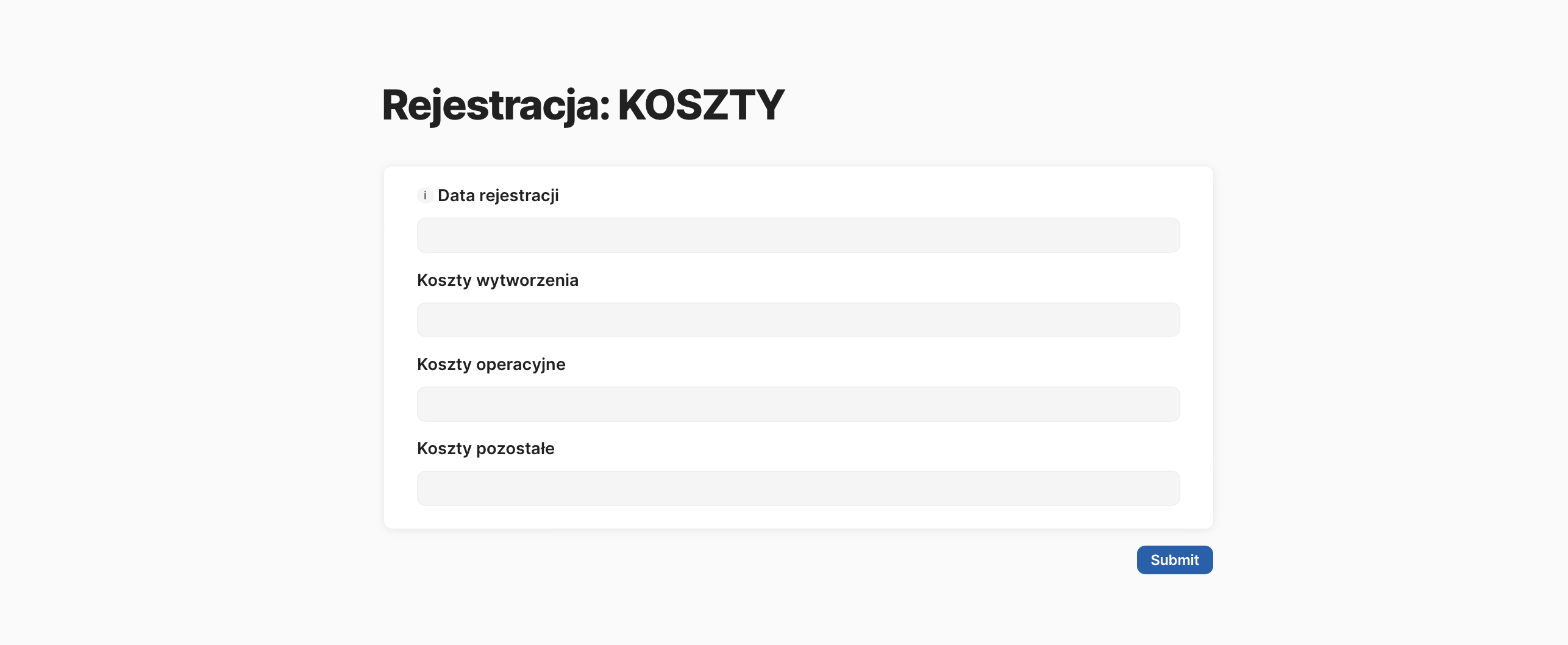
- Revenue form,
- Cost form.
Each of these views refers to the same table. By filtering the columns and rows, we display different data in each of these tables. We make this division because these are separate pieces of data, and in the future, these tables will be replaced by an invoice register, where we will store additional information such as issuer, recipient, payment deadlines, etc.
Form Possibilities
We publish the created forms, providing access only to the specific specialists responsible for their respective areas. The key point is that the individuals with access to the forms DO NOT have access to the document containing the data collected from those forms.
Modifying the Financial Data Table
In the first version, the discussed table was simple: date and manually entered amounts. This table was easy to read, so I want to keep it in this form. What will change is how data is entered: since the data is now collected individually from specialists, there is no need to manually input monthly summaries. By referring to the revenue and cost tables, I create a formula that pulls information on the total revenue and costs for each month and automatically enters only the expected sum in each row.
Publishing Forms
Each created form is published and made public. In my document’s case, it is shared publicly because I did not set any access restrictions for filling out the form. In an internal company application, access to the form would be limited to specific individuals. In such a case, you can also automate recording information about who filled out the form and when.
Tidying Up the Document
Finally, I modify the messages in the document, removing information about manually entering data into the table and providing links to the forms.
Summary
Reporting results that cannot be automated—due to, for example, manual labor in construction companies—poses a challenge. Reports sent via Excel, emails, or SMS messages are unfortunately standard practices in companies. In today’s post, I aimed to show that all these forms of communication can successfully be replaced by a form link that clearly defines what information the report should contain.
This change will simplify the process for the person filling out the report and offer unlimited automation possibilities for events that should occur based on the reported result—or even when no report is submitted—but more on that next time!
Link to the cost form: Survey: costs