

Coda.io: Document Work Platform or Command Center?
Coda.io is a versatile tool that empowers users to organize and automate their activities seamlessly. With ready-made solutions and a ‘low-code’ approach, users can unlock advanced options without needing deep technical expertise. At our organization, we utilize Coda for both professional and personal projects—anywhere we see an opportunity to streamline and enhance the way we work.
To get started with Coda.io, simply register on their website: LINK. Coda operates entirely online, offering the flexibility to access your projects from anywhere with an internet connection. Plus, with the mobile app, you can conveniently check updates and bookmark results on the go—perfect for those times when you need to quickly verify information.
Getting Started: Coda.io Beyond Basic Notes
While Coda.io can start as a simple space for personal notes or to-do lists, its true power lies in collaborative work. This platform becomes increasingly robust when used to create, manage, and automate documents across teams.
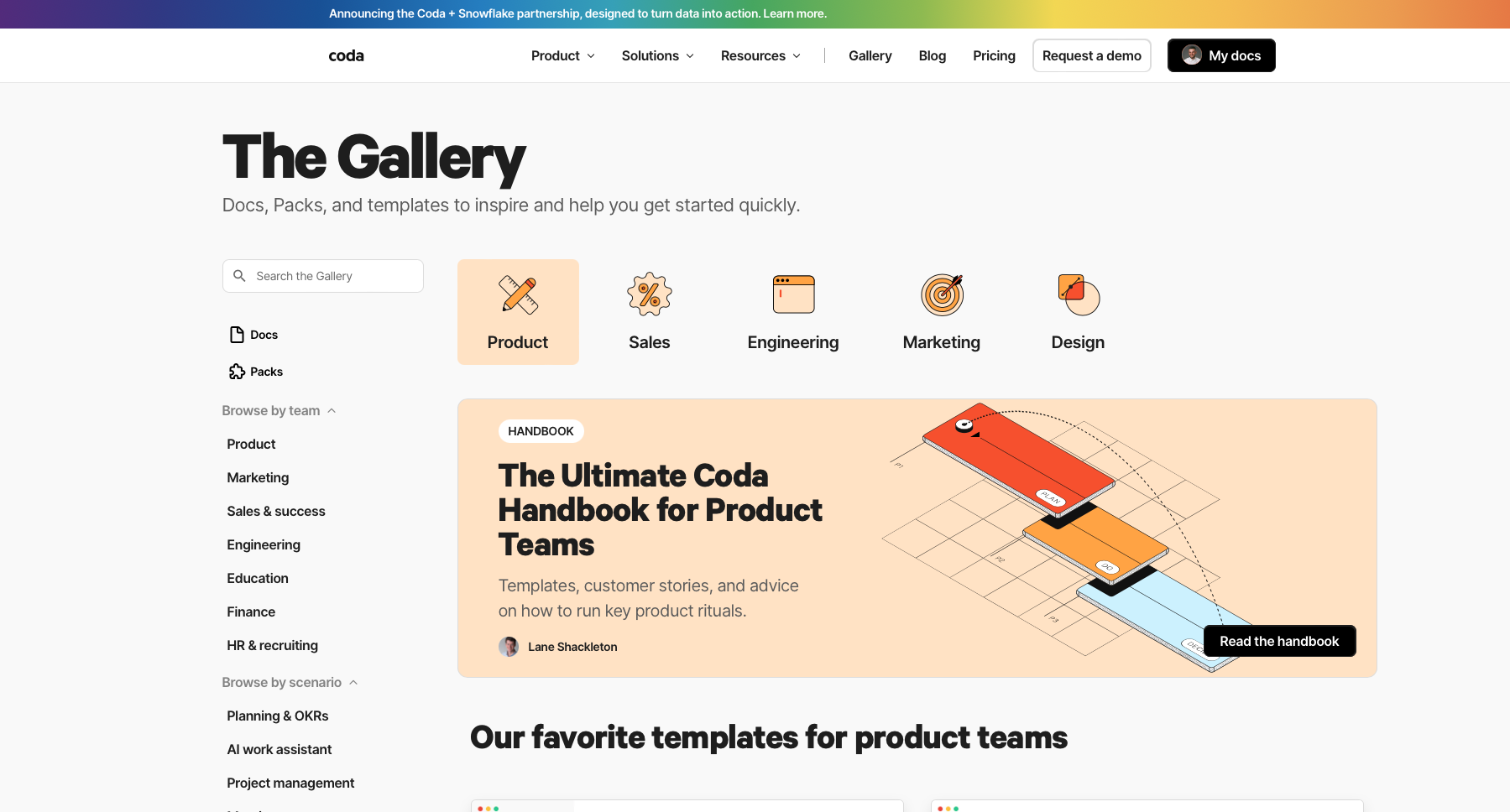
Coda.io = Database Management
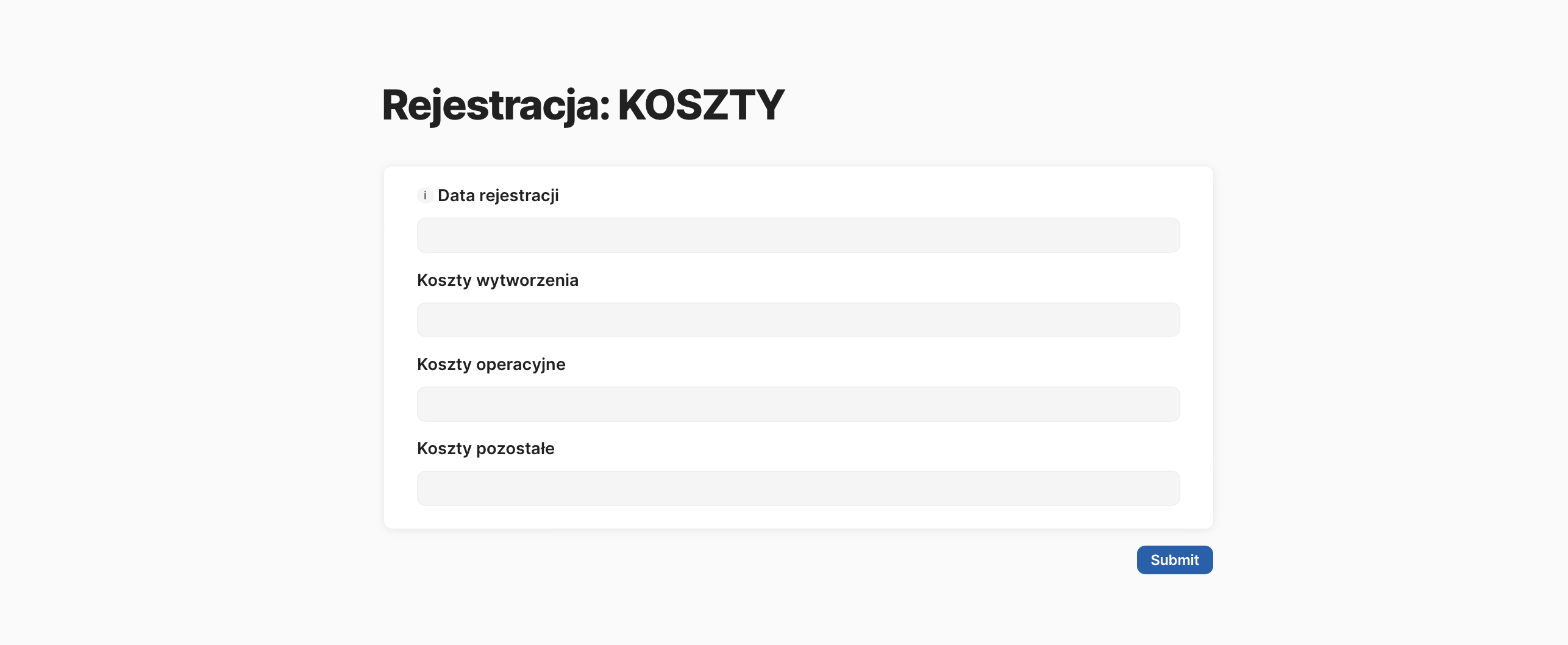
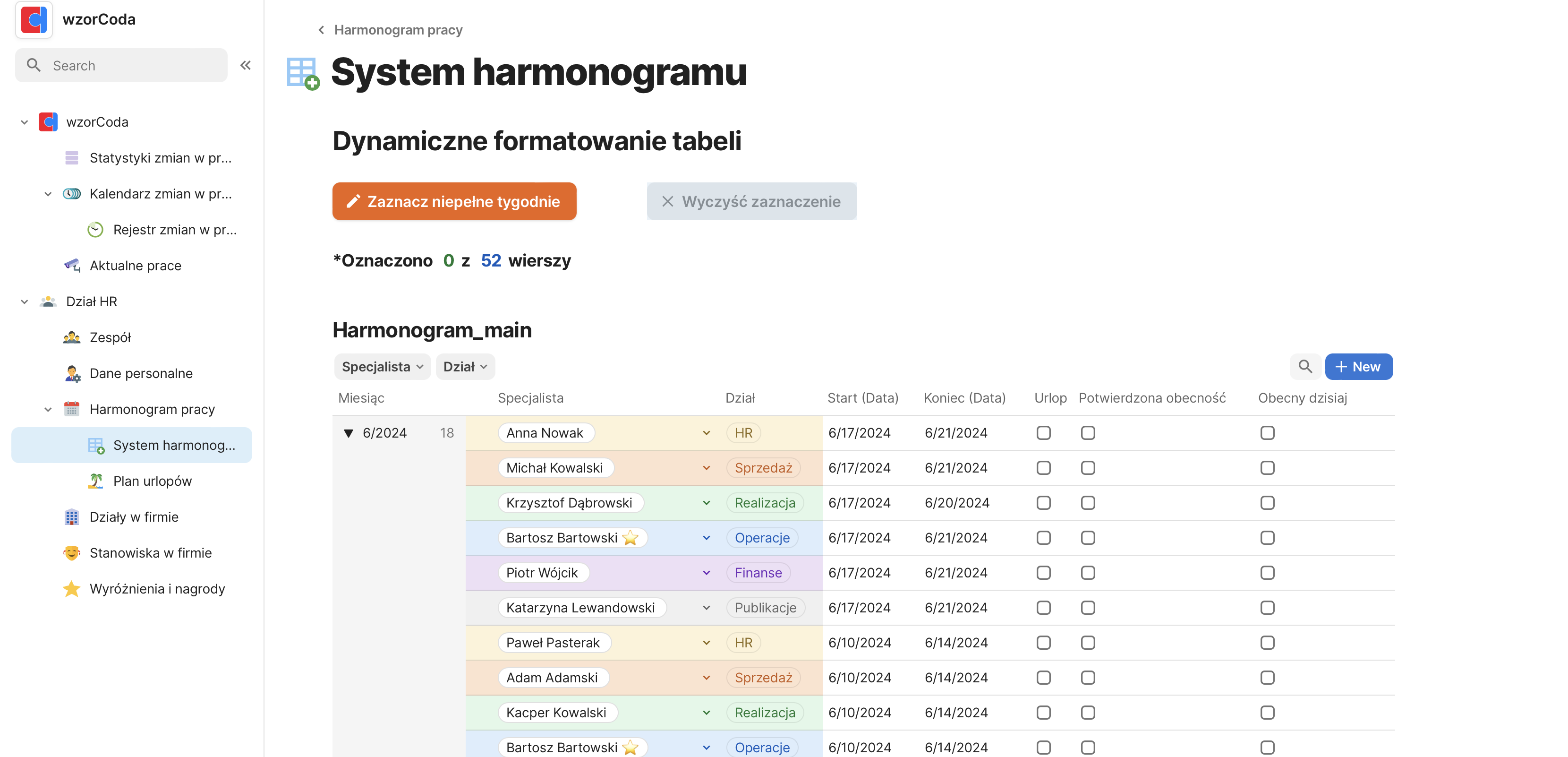
In Coda.io, data is stored in the form of tables, whether collected from other applications or manually entered by the team. These tables allow you to input specific types of data, create relationships between them, and apply custom functions to enhance the information.
For optimal organization and scalability, it’s best to dedicate specific spaces for these tables and then reference them from subpages or views. This structure keeps your system orderly and easy to expand.
Coda.io = Pooling Resources
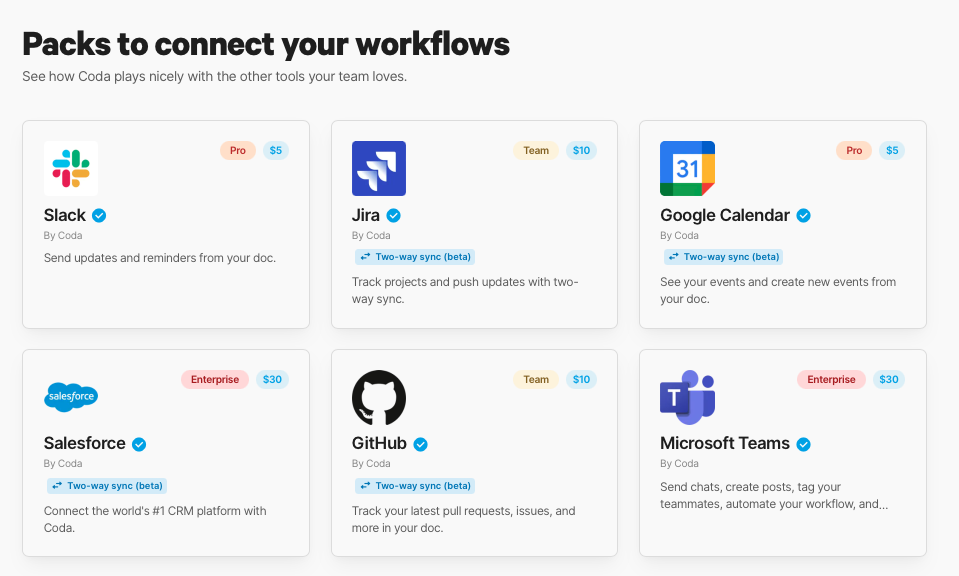
Coda.io makes it easy to integrate data from the tools you already use—without the need for middleware. If there’s no ready-made solution available, you can connect through APIs or tools like Zapier and Make.
Is your organization heavily reliant on Excel or Google Sheets? Without disrupting your specialists’ workflows, you can consolidate their results into one place for analysis and automation.
Coda.io = Project and Organization Management
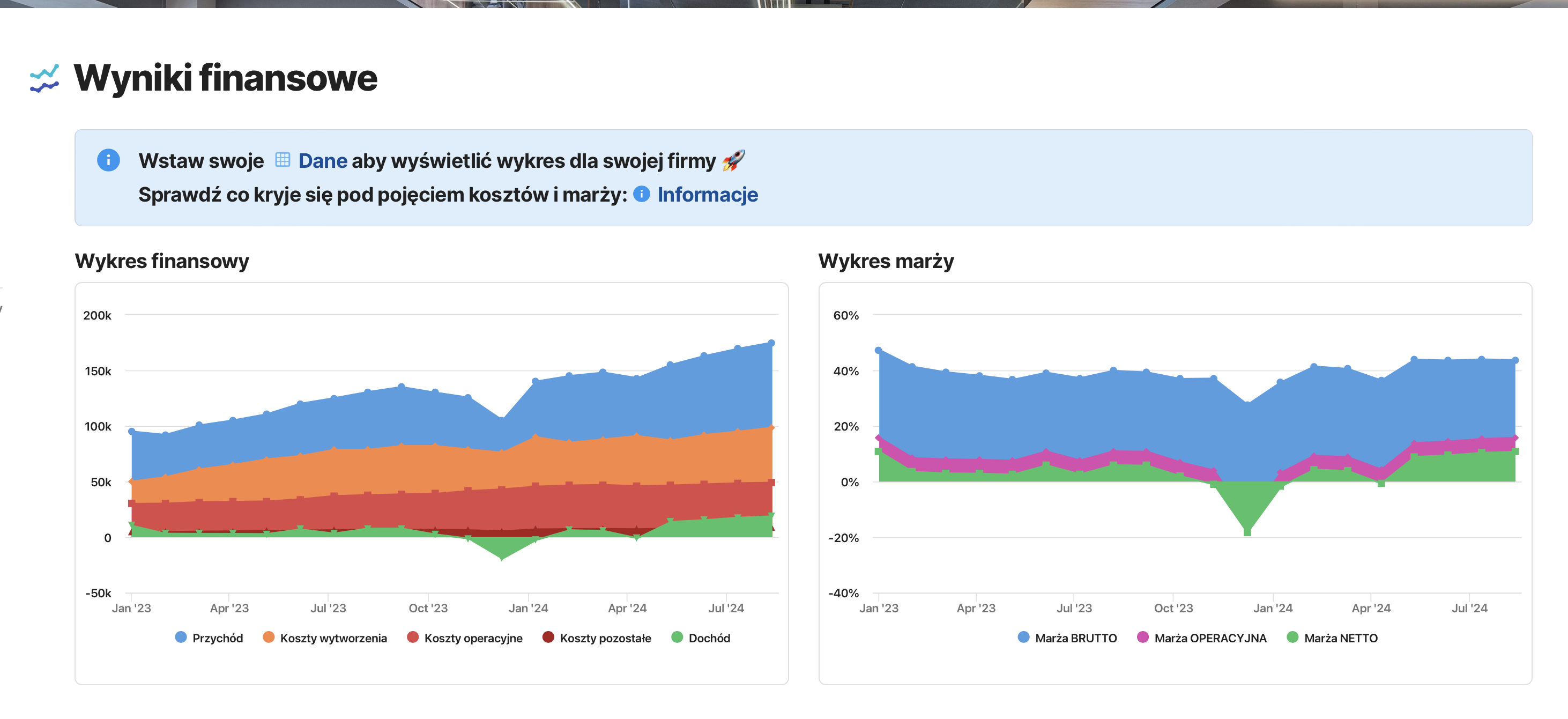
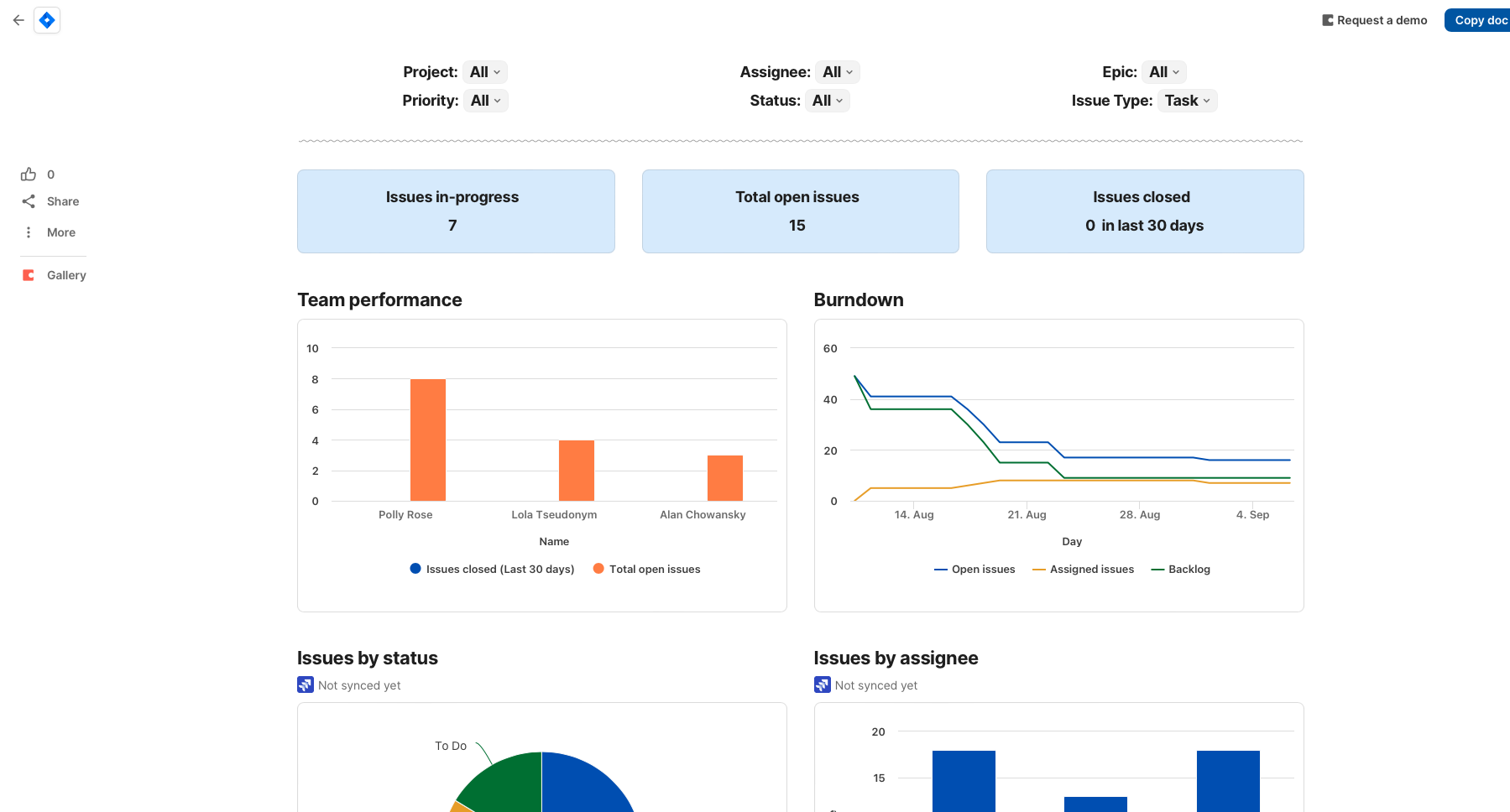
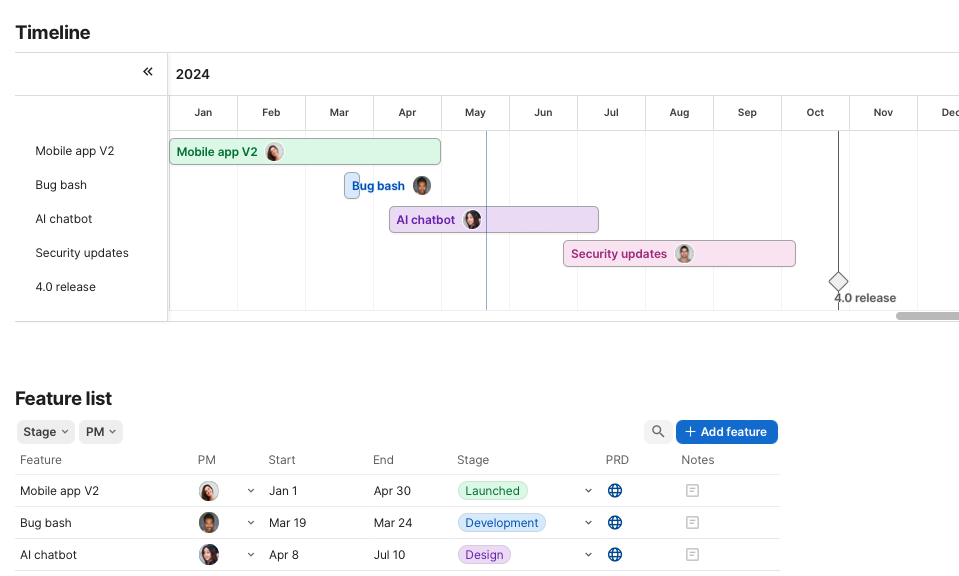
From the data stored in your tables, you can create comprehensive dashboards featuring charts, analyses, and summaries that allow you to manage tasks visually. Coda.io is perfect for building interactive project plans, tracking progress, assigning tasks, and facilitating teamwork.
Coda.io = Process Automation
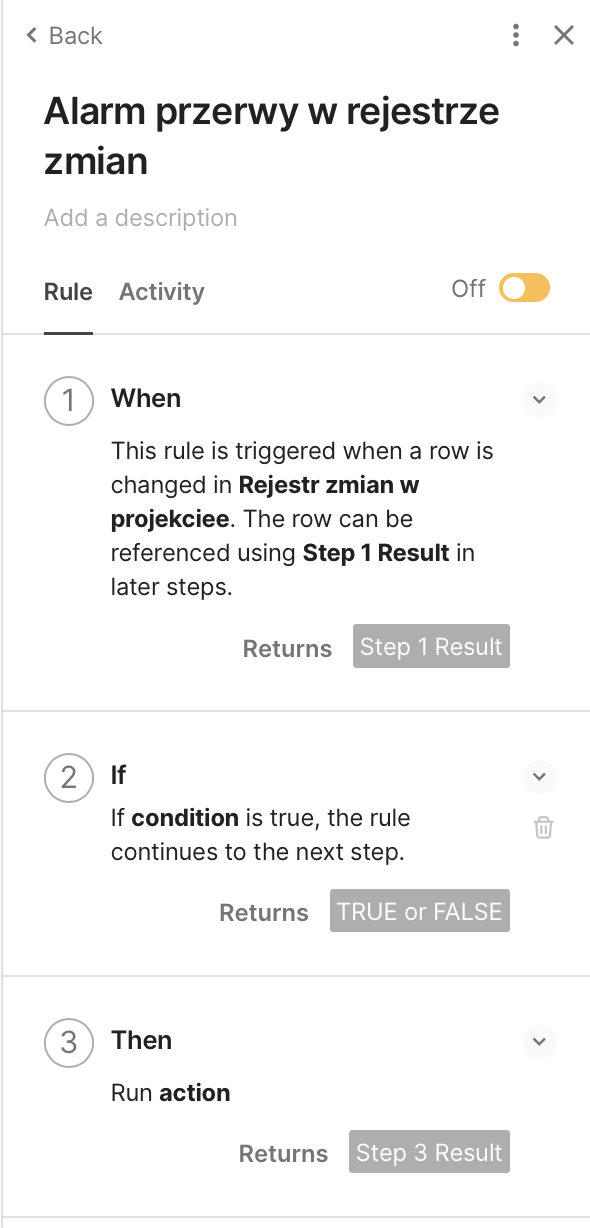
With Coda.io, you can define the “when,” “condition,” and “action” for automated processes. Here’s a simple automation you can set up in just 30 seconds without any coding:
Every Monday through Friday at 9:00 a.m., if the total time worked in the company the previous day is less than a specified number of hours, an email is automatically sent to the designated person with a Slack notification. You can create your own ‘low-code’ applications, triggered by a button, that execute sequences of events you’ve programmed.
Coda.io = Creating Advanced Documents
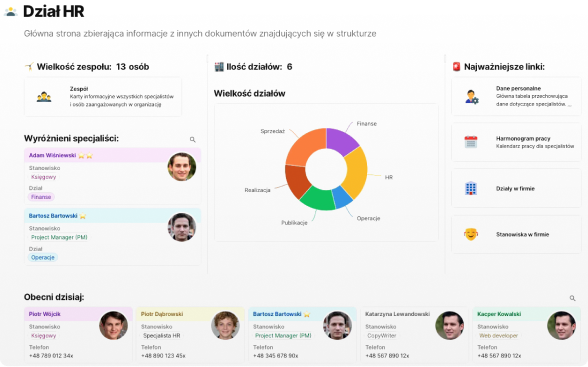
Coda.io enables the creation of interactive documents where you can combine text, tables, task lists, and other elements, all interlinked with dependencies. The platform supports teamwork by allowing you to control who sees what data. You can easily share specific views with your team while keeping other information private.
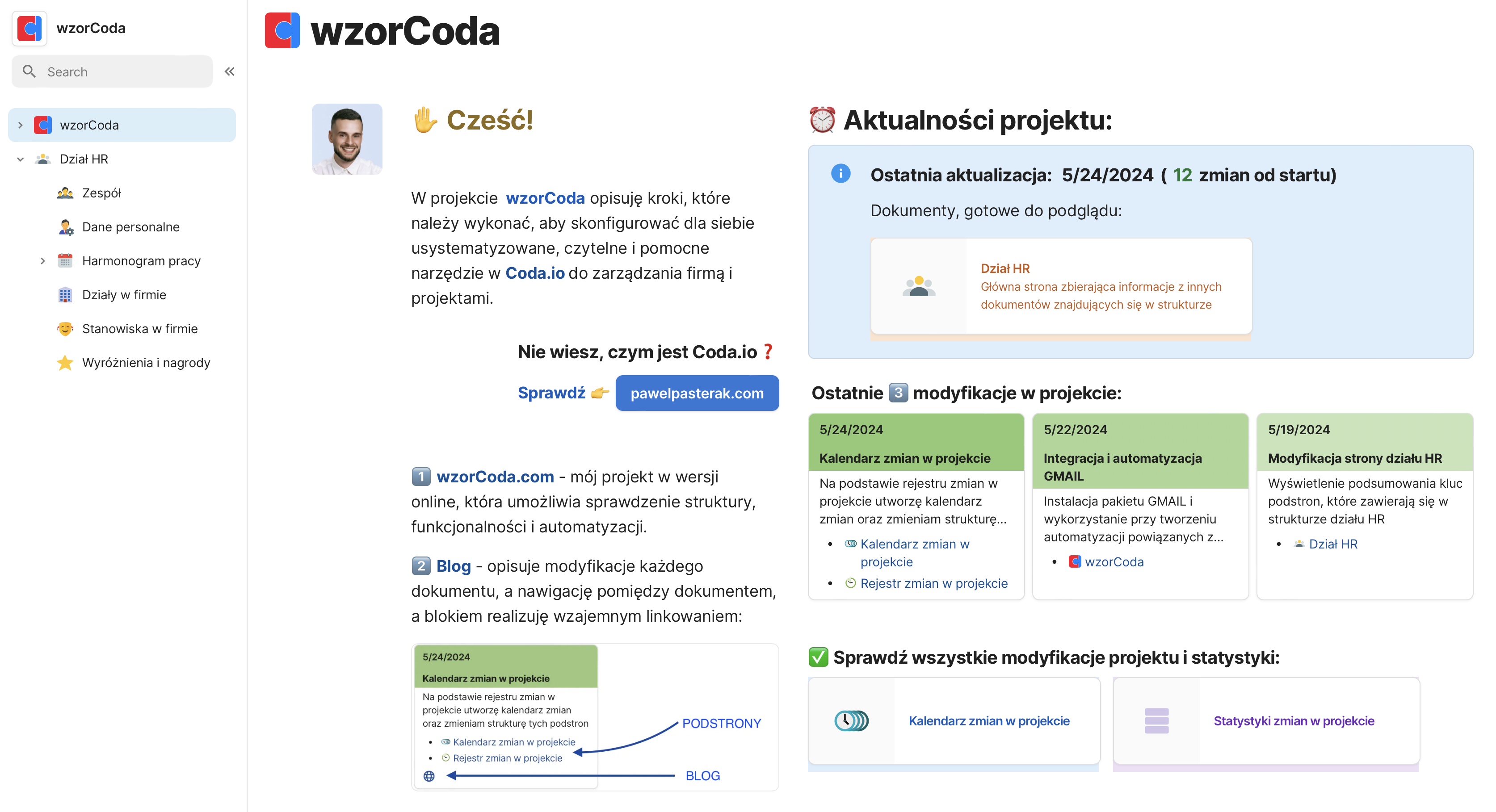
Take a look at one of the documents from our #wzorCoda project. It includes text, links to other documents, and charts—essentially a Dashboard that goes beyond a traditional document.
Summary
In our view, Coda.io is more than just a document work platform—it’s a command center. Utilizing Coda.io can elevate any organization to new heights. While we’re not advocating for a complete overhaul of your current tools, we do encourage centralizing your data through integration and document creation, which will help you analyze collected information more effectively. The next logical step is to automate routine tasks, allowing you to focus on monitoring final results.
Imagine a system where only results that fall below expectations are sent to you via email—no problem with Coda.io!